Step-by-Step Guide: Using Disposable Emails for Online Giveaways in 2026
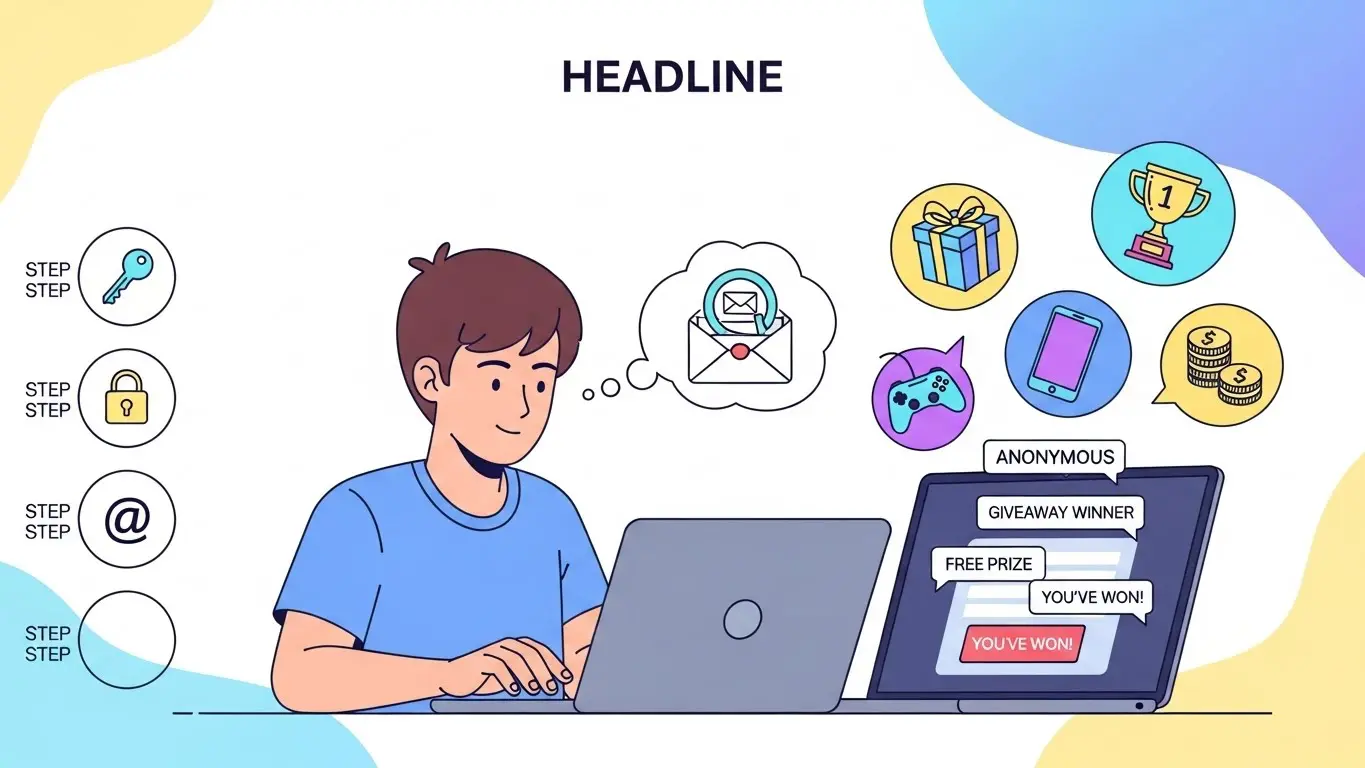
We all love the thrill of a good giveaway. A free iPhone, a gift card, a lifetime software subscriptionâ€â€who wouldn't want a chance to win? But in 2026, there is a significant catch. Most online giveaways are essentially data-harvesting operations disguised as contests.
The moment you enter your primary email address to "Win Big," you are also signing up for years of marketing spam, newsletters you never wanted, and potentially having your data sold to third-party advertisers. The solution? Disposable email addresses. Here is your complete, step-by-step guide to entering giveaways safely without sacrificing your inbox's sanity.
Enter Giveaways 100% Spam-Free
Use our Free Temp Mail Generator to get instant contest confirmation codes.
Step 1: Choose a Reliable Temp Mail Service
Not all disposable email services are created equal. Some are slow, riddled with ads, or blocked by major contest platforms (like Gleam.io or Rafflecopter). You need a service that is fast, clean, and generates reputable-looking email domains.
For this guide, we recommend using Temp Free Mail, as it provides instant, secure addresses that bypass most "anti-bot" filters used by modern giveaway sites. Avoid services that recycle emails too quickly, as you might miss a winning notification.
Step 2: Generate Your Unique Entry Address
Before you even click on the giveaway link, get your tools ready. Head over to Temp Free Mail. A new, unique email address will be generated for you instantly.
- Pro Tip: Keep the temp mail tab open in a separate window. You will need to hop back to it quickly to check for any confirmation emails or verification codes.
- Browser Extensions: If you enter contests frequently, consider using a browser extension to generate emails without leaving the giveaway page.
Step 3: Enter the Giveaway Safely
Navigate to the giveaway page. When asked for your email address, copy and paste the disposable address you just generated. Fill in any other required, non-sensitive information (like a first name or country).
Security Warning
Never use your real full name, phone number, or home address unless you are absolutely sure the contest is legitimate (e.g., run by a verified brand like Samsung or Microsoft). If a random site asks for your credit card "just for verification," close the tab immediatelyâ€â€it is a scam.
Step 4: Watch for the Confirmation Link
Many modern giveaways require you to verify your entry by clicking a link sent to your email. This is their way of ensuring you are a real person and not a bot.
Switch back to your Temp Free Mail tab. The inbox uses push technology, so it should automatically refresh to show incoming mail. You will see the confirmation email from the giveaway host. Open it, click the verification link, and your entry is confirmed.
Step 5: The "Set and Forget" Strategy
Once your entry is confirmed, you are done. You can close the temp mail tab. That email address will now receive all the subsequent marketing blasts, "special offers," and spam that you successfully diverted from your main inbox.
What if I win? Most legitimate giveaways will contact you within a few days. If the contest runs for a long time (e.g., a month), you might want to keep the session alive or check back occasionally. However, for instant-win games or 24-hour contests, disposable emails are the perfect tool.
Conclusion: Play Smart, Win Safe
Entering giveaways should be fun, not a source of digital stress. By using disposable email addresses, you can participate in as many contests as you like without turning your personal inbox into a spam dumpster.
Start using Temp Free Mail for your next giveaway entry and enjoy the peace of mind that comes with a clean, secure, and organized digital life.