The Ultimate Cybersecurity Combo: Password Managers + Disposable Emails
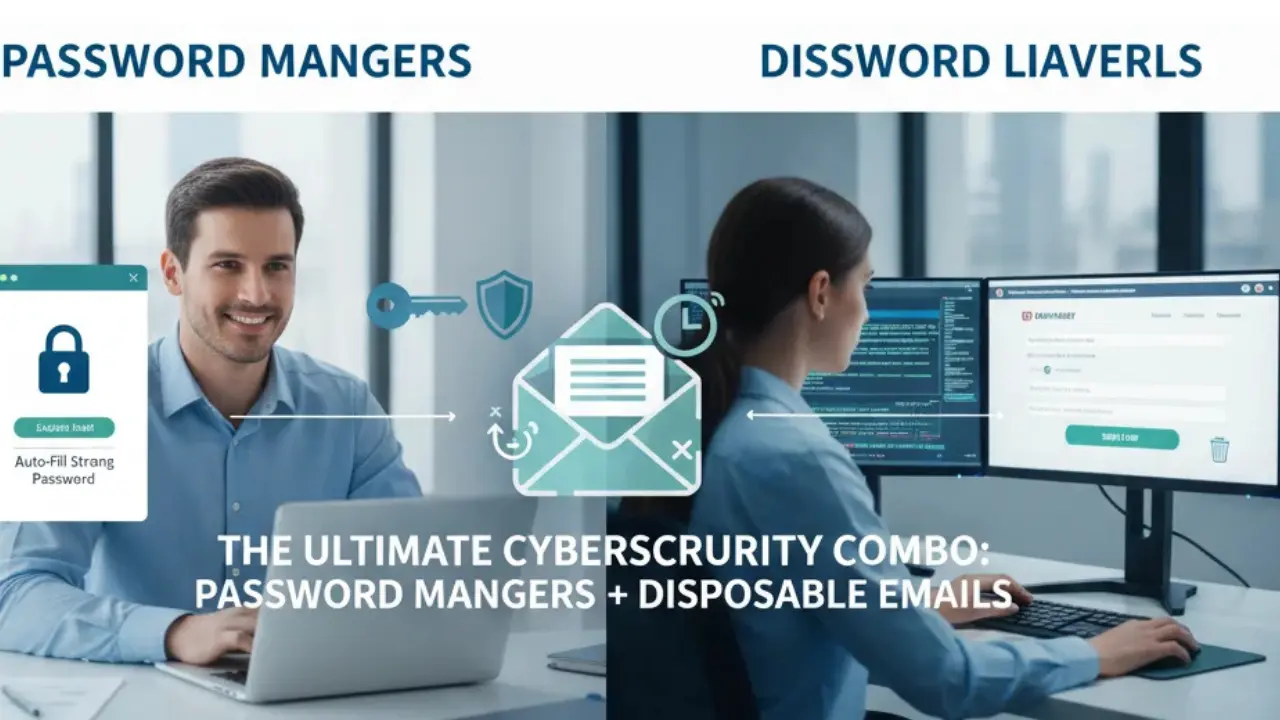
If you ask any top-tier cybersecurity expert how to stay safe online in 2026, they will give you two unshakeable golden rules: never reuse passwords and protect your primary email at all costs. On their own, a Password Manager and a Disposable Email service are fantastic tools. But when you combine them? You create an absolutely unbreakable digital fortress.
Let's dive deep into why this specific software pairing is the ultimate defense against massive data breaches, dark web identity leaks, and the rising threat of automated credential stuffing.
1. The Core Threat: "Credential Stuffing"
Imagine you use the same email (john.doe@gmail.com) and the same password ("Summer2026!") for your Netflix account, a random local pizza delivery app, and your online banking portal. If that small, under-secured pizza app gets hacked, the hackers now have your exact email and password combination.
Hackers do not manually log in to test your data. They use automated botnets to test that exact email and password on tens of thousands of other websitesâ€â€Amazon, PayPal, Apple, GitHub, etc. This automated, rapid-fire attack is called Credential Stuffing. Because your login half (the email) is always the same, you are making the hacker's job incredibly easy.
2. Half of the Shield: The Password Manager
A Password Manager (like Bitwarden, 1Password, or Dashlane) solves the first half of the problem. Instead of forcing your brain to remember a dozen weak passwords, the manager generates complex, 25-character strings of pure gibberish for every single website you visit.
If the pizza app gets hacked, the hackers get a password that looks like Xy$9#kL2p@mQ1. They cannot use it anywhere else because your Netflix and bank passwords are completely different. However, your primary email address is still exposed. The hackers now know that your email is active, making you a prime, validated target for highly targeted phishing attacks and spam.
The "Forgot Password" Trap
When using a temporary email, your Password Manager becomes your lifeline. Because the disposable inbox will eventually self-destruct, you will NOT be able to click a "Forgot Password" link later. You MUST ensure your Password Manager successfully saves the generated password before you close the website, otherwise, the account is lost forever.
3. The Missing Piece: Disposable Emails
This is where Temp Free Mail steps in to complete the shield. To be truly anonymous and secure on the modern web, you shouldn't just have a unique password for every site; you should have a unique email address too.
When signing up for a new forum, a quick SaaS free trial, or an airport Wi-Fi hotspot, you generate a disposable email. Here is what happens if that specific service gets breached:
- No Real Identity: The hackers steal a disposable email like
temp-user-99@tempfreemail.com. They have absolutely no idea what your real name or real Gmail address is. - No Spam or Phishing: Because that temporary inbox is designed to self-destruct, any future spam or phishing emails sent to it will simply bounce into the void. Your primary inbox stays perfectly clean.
- Zero Lateral Movement: Even if they have the temporary email and the generated password, they cannot use that combination on any other website on the internet, because you have never used that combination anywhere else!
| Security Scenario | Single Email + Same Password | Temp Mail + Password Manager |
|---|---|---|
| Website Gets Hacked | All your accounts are compromised | Only the ghost account is lost |
| Phishing Vulnerability | High (They know your real email) | Zero (The target email is deleted) |
| Identity Tracking | Linked easily across the web | Impossible to track or link |
4. How to Build Your Unbreakable Workflow
Combining these two tools takes only a few extra seconds during signup but saves you from years of potential headaches, spam, and identity theft. Here is the ultimate 4-step workflow:
- Encounter a New Site: You find a new software tool, news site, or forum you want to try.
- Generate Email: Open a new tab with Temp Free Mail and instantly copy your newly generated email address.
- Generate Password: Open your Password Manager extension and command it to generate a strong, random password.
- Save & Verify: Paste the temp email and strong password into the sign-up form. Check your Temp Free Mail tab for the verification OTP, confirm the account, and ensure the login is saved in your Password Manager.
Frequently Asked Questions (FAQ)
Can I use this combo for my primary bank account?
No! For highly critical services like Banking, PayPal, or Government portals, use your real, highly-secured primary email (like ProtonMail or Gmail with hardware 2FA) along with your Password Manager. Temp mail is for non-critical, high-risk web browsing.
Do Password Managers work with disposable emails?
Yes, perfectly. A password manager doesn't care what the email string is. It will save the temporary email address right alongside the generated password as a standard login entry.
Is it difficult to remember all these different emails?
Not at all, because you don't have to remember them! Your Password Manager remembers both the temporary email and the password for you. When you visit the site again, it auto-fills both fields instantly.
Conclusion: Peace of Mind
Your primary email address is the absolute master key to your digital lifeâ€â€it holds your banking resets, your tax documents, and your private conversations. It should never, ever be handed out to random websites or free trials.
By pairing a Password Manager to handle your security codes, and Temp Free Mail to act as your anonymous public identity, you eliminate 99% of modern cyber threats. Stop relying on one email for everything; upgrade your digital workflow today.